Contents (16 sections)
In today’s fast-paced digital world, securing our mobile devices has never been more crucial. With nearly 7 billion mobile users globally as reported by the International Telecommunication Union in 2025, the risk of cyber threats is a pressing concern. This article will explore vital mobile security tips to help protect your device and personal information.
1. Understand the Risks
To effectively safeguard your mobile device, start by understanding the various risks. Understanding these threats empowers you to take preventive measures. Common mobile threats include malware, phishing attacks, and man-in-the-middle attacks. According to Cybersecurity Ventures, mobile malware attacks are predicted to increase by 50% by 2026. Awareness of such risks can significantly bolster your security posture.
2. Implement Strong Authentication
Utilising strong authentication methods is paramount. Enable features like two-factor authentication (2FA) or biometric security options such as fingerprint or facial recognition. Statistics show that accounts secured with 2FA are up to 99% less likely to be compromised. After all, your mobile device often houses sensitive information, making strong security measures non-negotiable.
3. Keep Your Software Updated
Regular software updates are essential to mobile security, as they often include vital security patches. In 2025 alone, it was noted by Kaspersky that 60% of users neglect updates, exposing themselves to vulnerabilities. Configure your device to automatically receive updates, ensuring your software remains secure and up-to-date.
4. Install Reliable Security Software
Antivirus and anti-malware applications are critical in protecting your mobile device against threats. Choose reputable applications from well-known providers and regularly scan your device. A report from AV-TEST revealed that users with antivirus software reduced their risk of malware infections by over 30%. Considering this, it's wise to invest in good security software.
5. Be Cautious with Public Wi-Fi
Connecting to public Wi-Fi networks can put you at risk. Hackers often exploit unsecured networks to intercept your data. It’s advisable to use a Virtual Private Network (VPN) whenever you’re on public Wi-Fi. According to Norton, using a VPN can reduce the chances of experiencing data theft by up to 80%. Always be cautious and connect only to secure networks.
6. Manage App Permissions Wisely
Before installing apps, review the permissions they request. Be wary of apps that ask for excessive permissions unrelated to their functionality. For instance, a simple flashlight app should not require access to your contacts or camera. Regularly audit app permissions and remove unnecessary access to keep your data safe.
7. Avoid Clicking on Suspicious Links
Phishing attacks have become increasingly sophisticated. Always verify links before clicking, particularly those received via SMS or email. FBI data indicated that phishing attempts grew by 20% in Q1 of 2026. Consider installing a web filter to mitigate these risks automatically.
8. Utilise Secure Password Management
Using a password manager can help maintain unique, complex passwords for all your accounts. Reuse of passwords can lead to multiple accounts being compromised if one is breached. According to LastPass, 80% of breaches involve weak passwords. A reliable password management tool can help you keep track of your passwords, significantly enhancing security.
9. Backup Your Data Regularly
Regularly backing up your data ensures you don’t lose critical information in the event of theft, loss, or hardware failure. Use cloud storage solutions or external hard drives to create backups. According to data from Statista in 2026, 50% of mobile users do not back up their devices, which can have dire consequences if data loss occurs.
10. Be Mindful of Physical Device Security
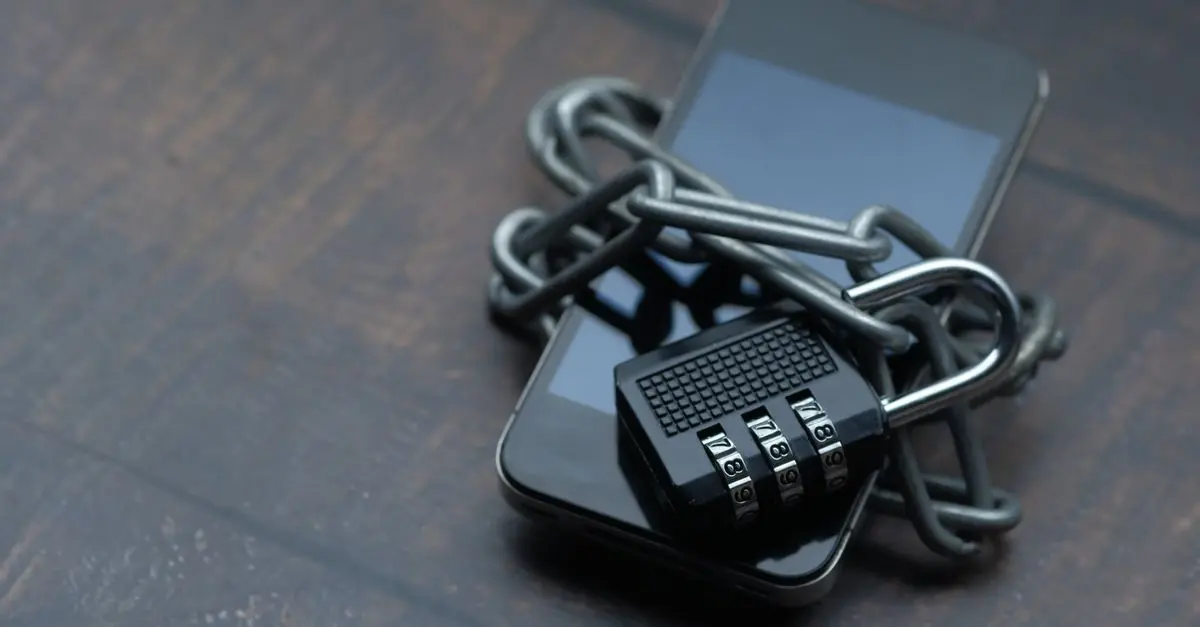
Lastly, securing your physical device is critical. Employ methods such as using cables to secure your device in public spaces or placing it in your front pocket when travelling. Theft statistics show that mobile theft rates have increased by 25% since 2025, emphasising the need for increased physical vigilance.
11. Educate Yourself and Others
Continued education on mobile security is vital. Attend online courses and keep abreast of the latest cyber security trends. Knowledge is power, particularly in an era where threats evolve continuously. Investing time in education can significantly bolster your security measures.
12. Utilise Encrypted Communication Apps
For sensitive communications, consider using apps that offer end-to-end encryption. This ensures that your messages can only be read by you and the intended recipient. Research by Pew Research Center shows that the usage of encrypted messaging apps is on the rise, reflecting increased awareness of privacy concerns.
📺 Pour aller plus loin :
[Understanding Mobile Security Risks], an in-depth exploration of the threats mobile users face. Recherchez sur YouTube : mobile security tips 2026.
Checklist avant achat
- [ ] Utiliser une authentification forte
- [ ] Maintenir le logiciel à jour
- [ ] Installer un logiciel de sécurité fiable
- [ ] Évaluer les permissions des applications
- [ ] Sauvegarder régulièrement vos données
Glossaire
| Terme | Définition |
|---|---|
| VPN | Virtual Private Network, une technologie qui crée une connexion sécurisée sur Internet. |
| 2FA | Authentification à deux facteurs, un moyen d'augmenter la sécurité des comptes en demandant deux formes d'identification. |
| Phishing | Technique de fraude en ligne visant à tromper les utilisateurs afin d'obtenir des informations confidentielles.
📺 Pour aller plus loin : mobile security tips 2026 sur YouTube
Recommended products
Selected by our experts


Cisco 300-410 ENARSI – Implementing Cisco Enterprise Advanced Routing and Services
Learning 24/7




