Contents (13 sections)
Understanding the Mobile Experience
The mobile experience is increasingly central to our everyday lives, providing a means to connect, learn, shop, and stay informed. But what exactly does it mean to optimise this experience? At its core, optimising the mobile experience involves making devices and applications more user-friendly, efficient, and tailored to individual needs. With smartphones being the primary interface for many, understanding user behaviour and preferences is paramount. According to research from Statista, the average time spent on mobile devices is over 3 hours daily—this highlights the importance of ensuring a seamless and enjoyable mobile experience.
Optimising mobile experience also considers how users interact with apps, websites, and more. Users appreciate speed, accessibility, and intuitive interfaces. When considering mobile platforms for business or personal use, recognising these nuances can significantly enhance user satisfaction and engagement.
Streamlining App Usage
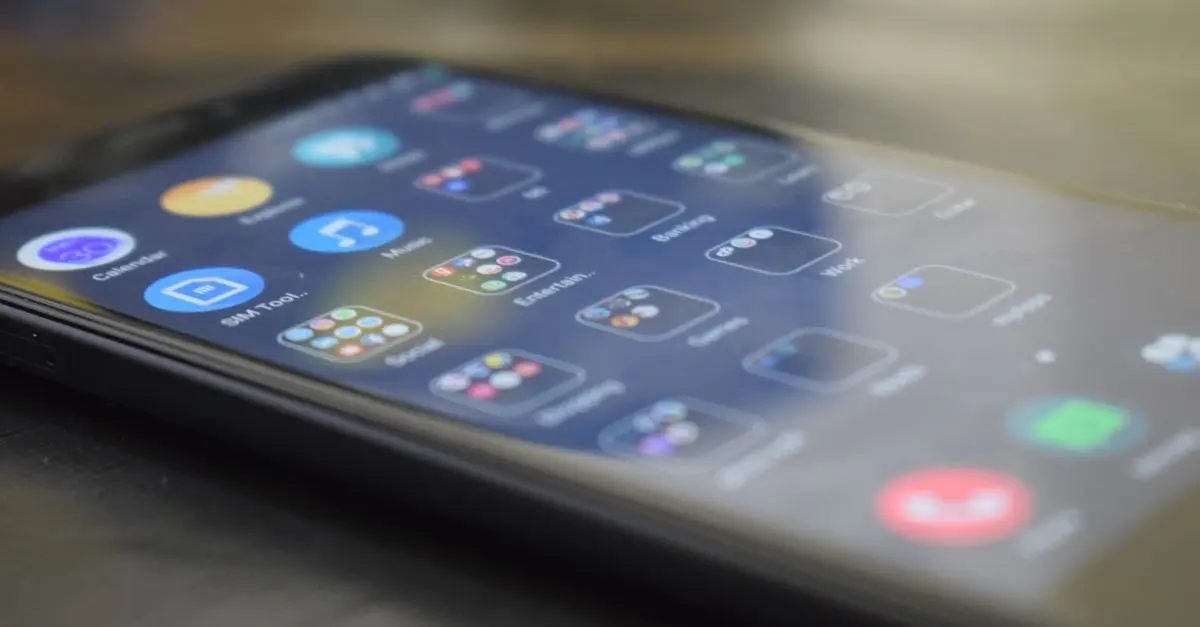
To enhance your mobile lifestyle, consider how you interact with your apps. Start by auditing your current app usage—are there apps you seldom use? Deleting redundant applications not only clears up storage but also reduces distractions. Organising your apps into folders that reflect usage or purpose can help maintain a tidier interface and streamline access.
Additionally, consider setting regular times during the day when you engage with social media or game apps, rather than allowing notifications to dictate your attention. On average, users interact with apps more than 30 times a day, according to UCL. Using ‘Focus Mode’ or similar features helps to minimise interruptions, improving your overall productivity.
Adjusting Display Settings
Small changes to your device’s display settings can significantly influence your overall experience. One of the first steps is to adjust the brightness level to match your environment—lowering it in dark rooms can reduce eye strain. Features like Night Shift on iOS and Blue Light Filter on Android devices help minimise blue light emission, making nighttime usage more comfortable for the eyes.
Moreover, consider increasing font size for readability, especially in messaging and browsing. As per research from the American Optometric Association, nearly 90% of people experience digital eye strain, especially when using small text. Adjustments here can encourage longer, more comfortable usage sessions across various mobile tasks.
Maximising Battery Life
Managing your device’s battery life is crucial for an optimised mobile experience. Utilise battery-saving modes when high usage is anticipated, such as during travel or long working hours. Regularly check and manage background app activity to prevent unnecessary battery drain. Apps that continuously refresh can consume a substantial portion of resources; tools that monitor battery health can provide insights into apps that require attention.
Furthermore, enlightening yourself about charging habits can improve overall battery longevity. According to Battery University, keeping your battery level between 20-80% can significantly prolong its lifespan. Simple habits, like not leaving your phone plugged in overnight, can enhance performance over the long term.
Data Management Strategies
In today’s data-driven environment, managing your mobile data effectively is essential. Keep an eye on your data consumption habits—many mobile providers offer tools to track usage. Consider enabling data saver modes in apps, particularly in social media and video streaming platforms. This approach can help reduce unnecessary data costs while maintaining a quality experience.
Storing photos and videos in the cloud rather than locally can also free up space and prevent slowdowns. Platforms like Google Drive and Dropbox offer robust options for cloud storage, ensuring you have access to important files without cluttering your device. Furthermore, be aware of public Wi-Fi risks and use Virtual Private Networks (VPNs) for a secure mobile experience.
Enhancing Security Measures
Security is often an overlooked aspect of mobile usage, yet it’s imperative to protect sensitive information. Ensure that your device is locked with a strong password or biometric security—this simple step can deter unauthorised access. Regular updates to your operating system not only introduce new features but also patch vulnerabilities against threats.
Install reputable security apps that offer malware protection and monitor for suspicious activity. According to Norton’s cybersecurity statistics, over 40% of mobile-users experience some form of cyber-attack. Ensure regular audits of app permissions to maintain control over your personal information.
Utilising Mobile Accessibility Features
Mobile accessibility features are designed to create an inclusive experience for all users. If you or someone you know has accessibility needs, explore options like voice control, screen magnifiers, and text-to-speech capabilities. Devices today are equipped with an array of features that allow for better communication and usage, thus improving overall engagement and satisfaction.
According to Microsoft, around 1 in 5 people in the UK lives with some form of disability; thus prioritising accessibility is not just a choice but a necessity for many. Familiarising yourself with these tools can vastly enhance your mobile experience while also ensuring that technology is inclusive.
Staying Updated with Tech Trends
Keeping abreast of the latest trends in mobile technology can significantly enhance your experience. Consider subscribing to tech blogs or following experts on platforms like YouTube or Twitter. Technologies such as 5G and augmented reality are reshaping how we interact with mobile devices, offering better connectivity and interactive experiences.
Utilising trending apps that harness new features can enrich your mobile life. According to trends from Gartner, businesses that adapt to technological advancements early on often improve their customer retention rate by over 56%. Making a conscious effort to incorporate emerging tools will keep you ahead in the digital landscape.
📺 Resource Video
> 📺 For further insights: Essential Mobile Tips, a comprehensive guide to optimising your mobile experience. Search on YouTube:
> mobile experience optimisation tips 2026.
Glossary
| Terme | Définition |
|---|---|
| Blue Light Filter | A screen setting that reduces blue light emission. |
| Virtual Private Network (VPN) | A service that creates a secure connection to the internet. |
| Background App Activity | Apps running and using resources while not in use. |
Checklist before Optimisation
- [ ] Audit app usage and remove redundancies
- [ ] Adjust brightness and display settings
- [ ] Implement battery-saving methods
- [ ] Monitor data usage effectively
- [ ] Enforce strong security measures
- [ ] Explore mobile accessibility features
- [ ] Stay informed about tech trends
🧠 Quiz rapide : What does optimizing your mobile experience aim to achieve?
- A) Increased app usage
- B) Improved user satisfaction
- C) Enhanced battery life
Réponse : B — Optimizing your mobile experience predominantly focuses on enhancing user satisfaction.
📺 Pour aller plus loin : mobile experience optimisation tips 2026 sur YouTube


