Contents (15 sections)
Introduction
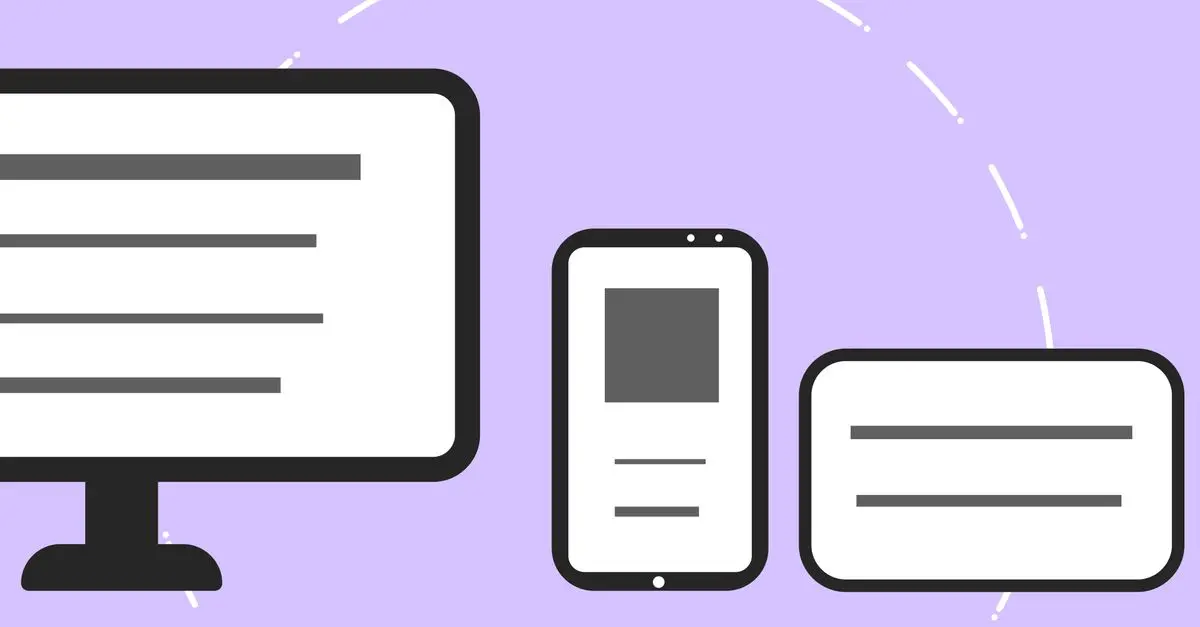
Creating a mobile-friendly website in today's digital age is crucial. As mobile usage surpasses desktop, ensuring your site performs well on smaller screens can impact user experience and search rankings significantly.
Why Mobile-Friendliness Matters
Mobile-friendliness isn't just a trend; it's a necessity. According to Statista, over 50% of all web traffic is now mobile. Google also uses mobile-first indexing, meaning the mobile version of your site is considered before the desktop version. Not having a mobile-friendly website can lead to higher bounce rates, lower engagement, and a decline in rankings.
Step-by-Step Guide
1. Choose a Responsive Design
A responsive design adapts your website's layout to fit various screen sizes. Most modern website builders, such as WordPress or Squarespace, offer responsive templates. A responsive design ensures that your site looks good on any device without needing multiple separate designs. Avoid static layouts and opt for a fluid grid system.
2. Simplify Navigation
Mobile screens are limited in space, so simplified navigation is essential. Use clear, concise menu titles and implement a three-line menu icon to save space. Ensure links and buttons are easily clickable by using larger touch targets. Avoid complex dropdowns that can frustrate users on mobile displays.
3. Optimise Images
Large images can slow down your mobile site significantly. Use tools like TinyPNG or JPEG Optimizer to compress images without losing quality. Choose appropriate formats, like WebP for web graphics, to enhance both performance and quality. Alt-text should be concise, such as [Alt-text suggéré : "Optimising image for a mobile-friendly website"] to support accessibility.
4. Prioritise Speed
Mobile users appreciate fast-loading pages. Tools like Google PageSpeed Insights can help diagnose speed issues. Implement caching, minify CSS and JavaScript, and use a Content Delivery Network (CDN) to reduce server load times. A study by Google indicates pages that load in less than 3 seconds have better user engagement.
5. Implement Mobile-Friendly Forms
Forms can be challenging on mobile devices. Simplify forms by only asking for essential information and use autofill options where possible. Ensure input fields are large enough to be tapped easily and provide visual feedback when a field is selected or completed.
Comparative Analysis
| Feature | Responsive Design | Separate Mobile Site | AMP (Accelerated Mobile Page) | Verdict |
|---|---|---|---|---|
| Setup Complexity | Low | Moderate | High | Responsive Design is ideal for most cases |
| Speed | Moderate | High | Very High | AMP excels in speed |
| Cost | Low | High | Moderate | Responsive Design is cost-effective |
| SEO Benefits | High | Moderate | High | AMP offers significant SEO boosts |
📺 YouTube Resource
> 📺 For further exploration: Building the Perfect Mobile-Friendly Website, an in-depth look at strategies to enhance mobile performance. Search on YouTube: "building a mobile-friendly website tutorial"
Glossary
| Term | Definition |
|---|---|
| Responsive Design | A web design approach that creates websites that work on devices of all sizes |
| Mobile-First Indexing | Google's practice of primarily using the mobile version of the website for indexing and ranking |
| Content Delivery Network (CDN) | A network of servers that deliver web content based on the geographic location of the user |
Checklist
- [ ] Verify site responsiveness on various devices
- [ ] Check page speeds with Google PageSpeed Insights
- [ ] Ensure navigation is simplified
- [ ] Optimise all images for fast loading
- [ ] Test forms on mobile for ease of use
- What is a mobile-friendly website?
A mobile-friendly website adapts to display properly on mobile devices, ensuring usability.
- Why is my website not displaying well on mobile?
It could be due to non-responsive design, uncompressed images, or slow page speeds.
- How do I test my website's mobile-friendliness?
Use tools like Google's Mobile-Friendly Test to check usability on mobile devices.
- Is having a mobile app better than a mobile-friendly website?
It depends on your goals; apps offer more functionality but websites are more accessible.
Conclusion
Crafting a mobile-friendly website requires a balance of design, speed, and usability. By following these steps, your website can offer an engaging experience for mobile users, leading to improved traffic and search rankings. Implement these practices today to ensure your site remains competitive in an ever-mobile world.
🧠 Quiz rapide : [What's the key benefit of a responsive design?]
- A) Faster load times
- B) Better accessibility across devices
- C) Lower costs
Réponse : B — A responsive design ensures your website is flexible across all device sizes.

