Contents (15 sections)
In today's fast-paced world, the concept of a productive mobile workspace is more essential than ever. With the rise of remote work and digital nomadism, having an effective workspace that you can set up anywhere is crucial. In this article, we'll explore 10 essential tips that can help you maximise your productivity while working from your mobile devices.
1. Choose the Right Device
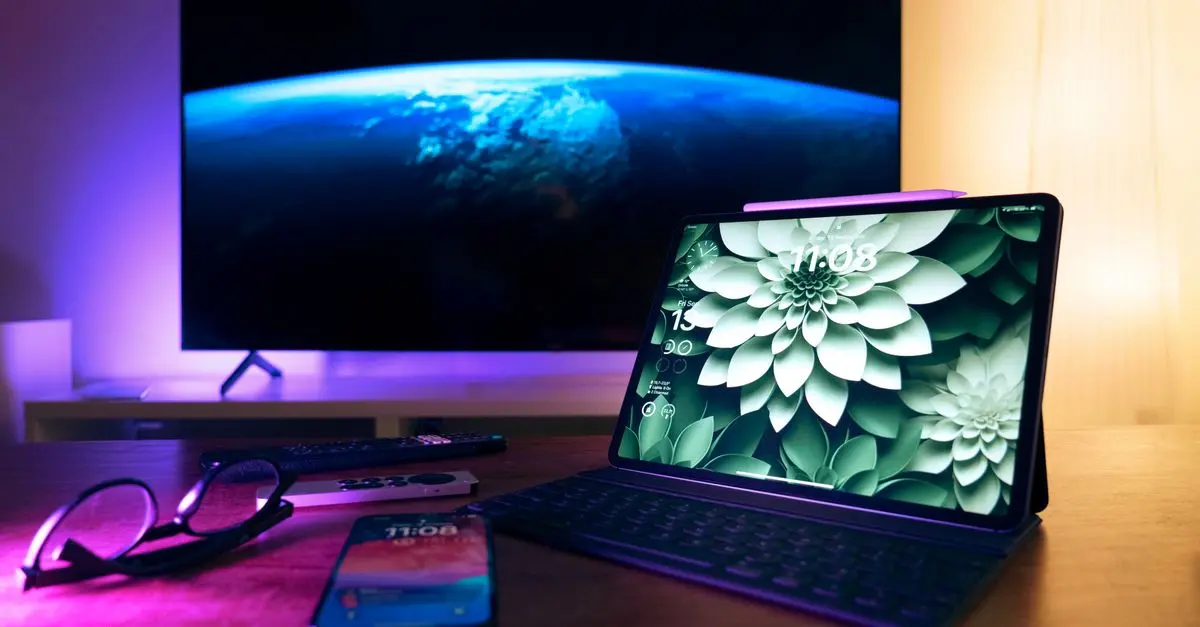
When creating a productive mobile workspace, the choice of device cannot be overlooked. Your device should cater to your specific needs, whether it’s a laptop, tablet, or smartphone. For instance, many professionals find that a high-quality tablet with a large screen can provide the functionality of a laptop without the bulk. According to recent studies, portability can significantly impact your ability to work effectively in different environments.
2. Ergonomics Matter
Working on the move can often lead to poor posture, which can hinder productivity. It’s vital to create an ergonomic setup. Whether you’re sitting on a park bench or in a café, consider using portable laptop stands or rolling desks to maintain good posture. Inadequate ergonomics can lead to discomfort and fatigue, which ultimately reduces efficiency.

StarTech.com Mobile Standing Desk - Portable Sit Stand Ergonomic Height Adjustable Cart on Wheels
Back to the Office


3. Connectivity is Key
Having a stable internet connection is fundamental in a productive mobile workspace. This may mean investing in a reliable pocket Wi-Fi device or ensuring your mobile plan provides adequate data. A study by Ofcom found that 87% of respondents consider a good internet connection essential for effective work. Always have a backup plan for connectivity issues to avoid disruptions.
4. Organise Your Workspace
An organised workspace is essential, even for mobile workspaces. Using productivity apps can help keep your tasks in order and make it simple to find documents. Apps like Notion or Trello can streamline workflows. Furthermore, dedicating a physical pouch for essential cords and devices can keep you uncluttered and focused.
5. Manage Distractions
Mobile workspaces can present numerous distractions, from noise to crowded environments. Use noise-cancelling headphones to immerse yourself in your work and reduce distractions. Furthermore, establishing a focused time frame, perhaps using techniques like the Pomodoro technique, can enhance your productivity. Statistics show that focused work can boost productivity by up to 40%.
6. Leverage Cloud Technologies
Cloud services are indispensable for maintaining productivity on the go. By storing documents online, you can access your work from any device at any time. Services such as Google Drive or Dropbox allow you to collaborate seamlessly with your team. A survey by Forrester Research suggests that companies utilising cloud technologies see a 20% increase in collaboration efficiency.


StarTech.com 1m (3ft) 2-in-1 Rugged USB-C Charging Cable with Lightning Adapter, 30W/60W (3A), Apple MFi Certified, Braided USB C Charger Cord for
Back to the Office

StarTech.com 2m (6ft) 2-in-1 Rugged USB-C Charging Cable with Lightning Adapter, 30W/60W (3A), Apple MFi Certified, Braided USB C Charger Cord for
Back to the Office
7. Use Quality Accessories
Investing in quality accessories can greatly enhance your mobile workspace. For example, a durable and lightweight bag, a portable charger, or a compact multi-port USB hub are essential. Beyond mere convenience, they ensure you are always ready to work without unnecessary interruptions. We’ve selected several products that can help optimise your mobile workspace.
8. Set Boundaries
While the flexibility of a mobile workspace is appealing, setting boundaries is crucial. Communicate your working hours to your colleagues and family to reduce interruptions. Also, consider designating specific areas as your workspace, even if they are temporary such as a corner of your favourite cafe.
9. Regular Breaks
Taking regular breaks is vital to maintain high productivity levels. Frequent short breaks can boost your focus and energy levels. Engage in short walks or stretches to rejuvenate your mind and body. According to research by Harvard Health, short breaks can improve your cognitive function and overall wellness.
10. Continuous Learning
Finally, commit to continuous learning to stay updated with the latest tools and methods to improve productivity. Online courses, webinars, and podcasts can provide insights and skills that can sharpen your efficiency. In a rapidly changing work environment, adapting to new technologies and practices ensures you remain competitive.
Conclusion
Creating a productive mobile workspace doesn’t have to be a daunting task. By implementing these 10 essential tips, you can enhance your productivity and ensure that working on the go is efficient and enjoyable.
Glossary
| Terme | Définition |
|---|---|
| Ergonomie | Science qui étudie comment concevoir des systèmes interactifs pour optimiser le confort et la performance utilisateurs. |
| Cloud Computing | Utilisation de serveurs distants sur Internet pour stocker, gérer et traiter des données, plutôt que d'un serveur local ou d'un ordinateur personnel. |
| Productivité | Mesure de l'efficacité d'un individu, d'un groupe ou d'un système, dans la conversion des ressources en résultats. |
Checklist avant achat
- [ ] Sélectionner le bon appareil
- [ ] Assurer un bon confort ergonomique
- [ ] Garantir une connexion internet stable
- [ ] Utiliser des applications de productivité
- [ ] Investir dans des accessoires de qualité
📺 Ressource Vidéo
Pour aller plus loin : Comment optimiser votre espace de travail mobile, une analyse complète de la productivité sur mobile. Recherchez sur YouTube : "optimiser votre espace de travail mobile 2026".
🧠 Quiz rapide : Qu'est-ce qui est le plus important dans un espace de travail mobile ?
- A) L'ergonomie
- B) La connexion Internet
- C) L'emplacement
Réponse : B — Une bonne connexion est cruciale pour rester connecté et productif.
📺 Pour aller plus loin : optimiser votre espace de travail mobile 2026 sur YouTube
Recommended products
Selected by our experts

StarTech.com 4-Port Thunderbolt 5 Hub with Thunderbolt Share KVM, 80/120Gbps, 8K Multi-Display, 140W PD, USB-A 10Gbps, TB4 & USB4, MacBook M4 Pro M4
Back to the Office



